

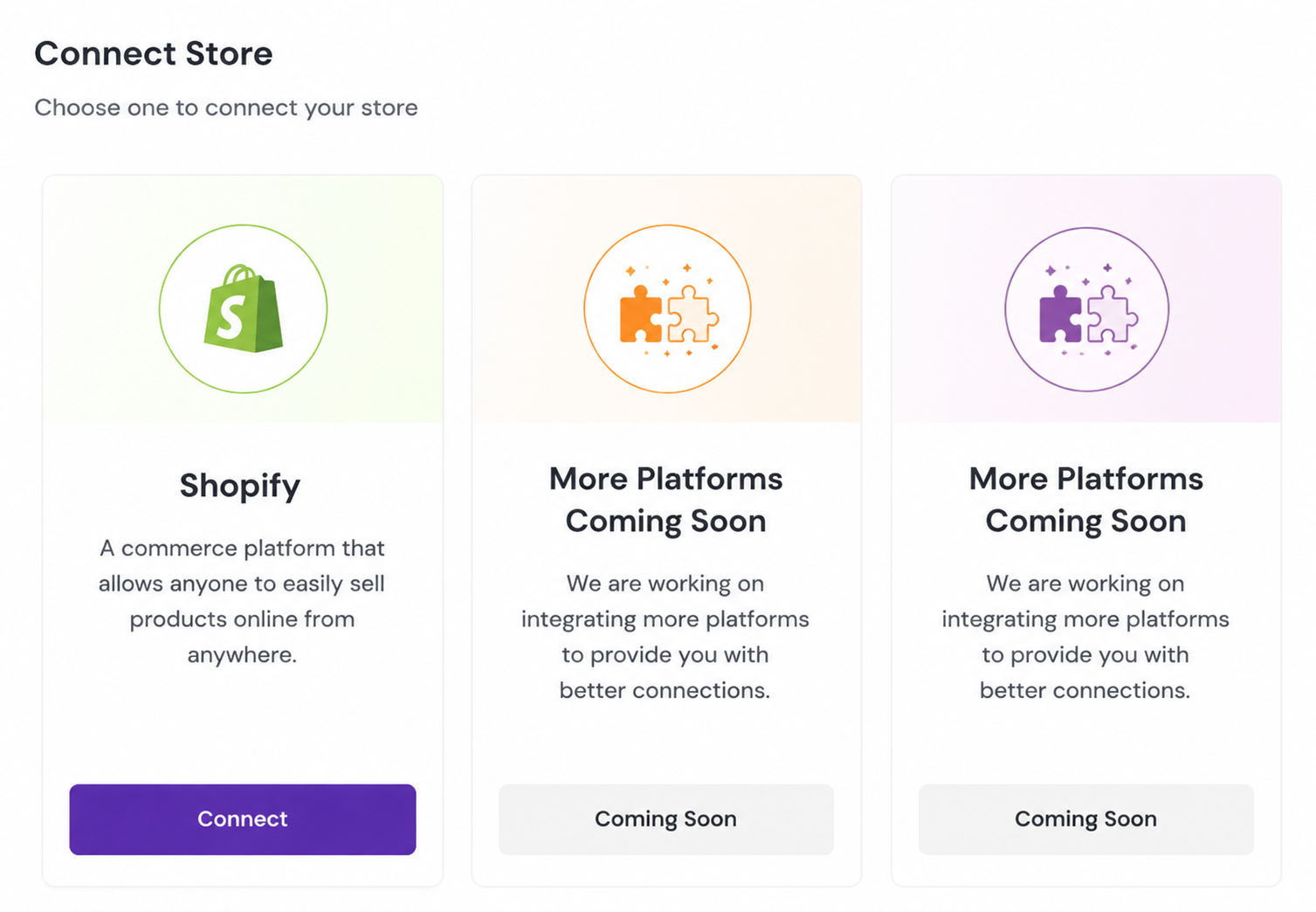
We have successfully integrated with Shopify, allowing you to sync and sell your products there.
We are working on connecting more platforms to provide you with a more comprehensive experience. Stay tuned!
shopify - How to integrate with Shopify?
Click the "Connect" button on the Shopify card above an8 prompts to complete the authorization process to integrate with your Shopify store.
shopify - How to check my product status in the store?
After successful integration, you can view the sync status of all products in the product management page, including published, draft, and archived statuses.
shopify - How to publish my products to Shopify?
Select the products you want to publish in the product management page, click the "Publish to Shopify" button, and the system will automatically sync product information to your Shopify store.
shopify - How to change order import settings?
In the "Order Sync" section of the settings page, you can configure the frequency of order imports, status mapping, and other settings.
How to handle unsynced items?
The system will automatically mark unsynced items. You can view the reasons for failure in the sync management page and manually retry syncing these items.
Can I integrate multiple online stores to artiststore?
Yes, you can integrate multiple stores from different platforms simultaneously. The system supports unified management of products and orders across platforms.
You can click the link below for detailed instructions: