

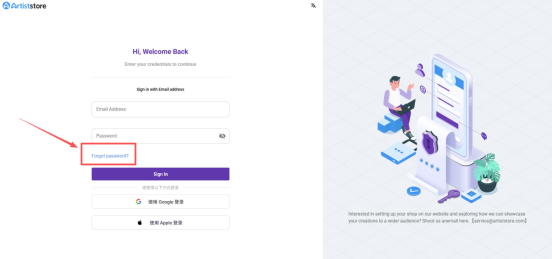
1. On the login screen, click “Forgot password?” at the bottom.
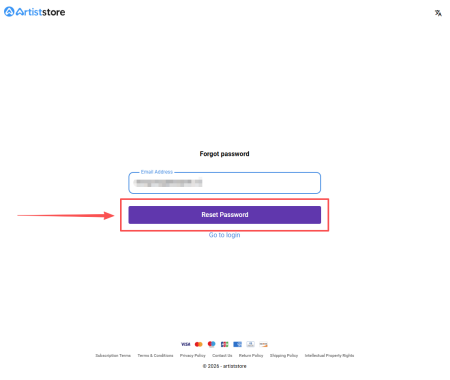
2. Enter the email address associated with your Artiststore account and click “Reset Password”.
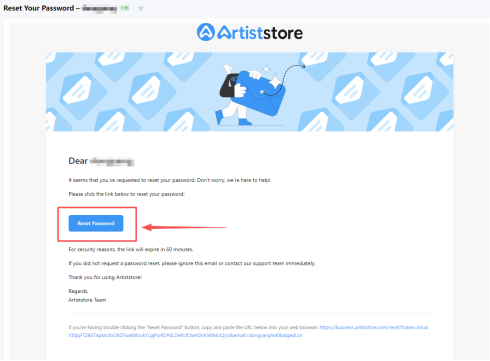
3. Open the email sent to your inbox and click the link to the page where you can enter your new password. The reset link will expire in 60 minutes, so be sure to use it right away.
4. Enter your new password and click Confirm. That's it! You've successfully changed your Artiststore password. You can now log back in as usual.