

To create a new product on Artiststore:
1. Open your Artiststore Dashboard
2. Go to Product Management → Create Product
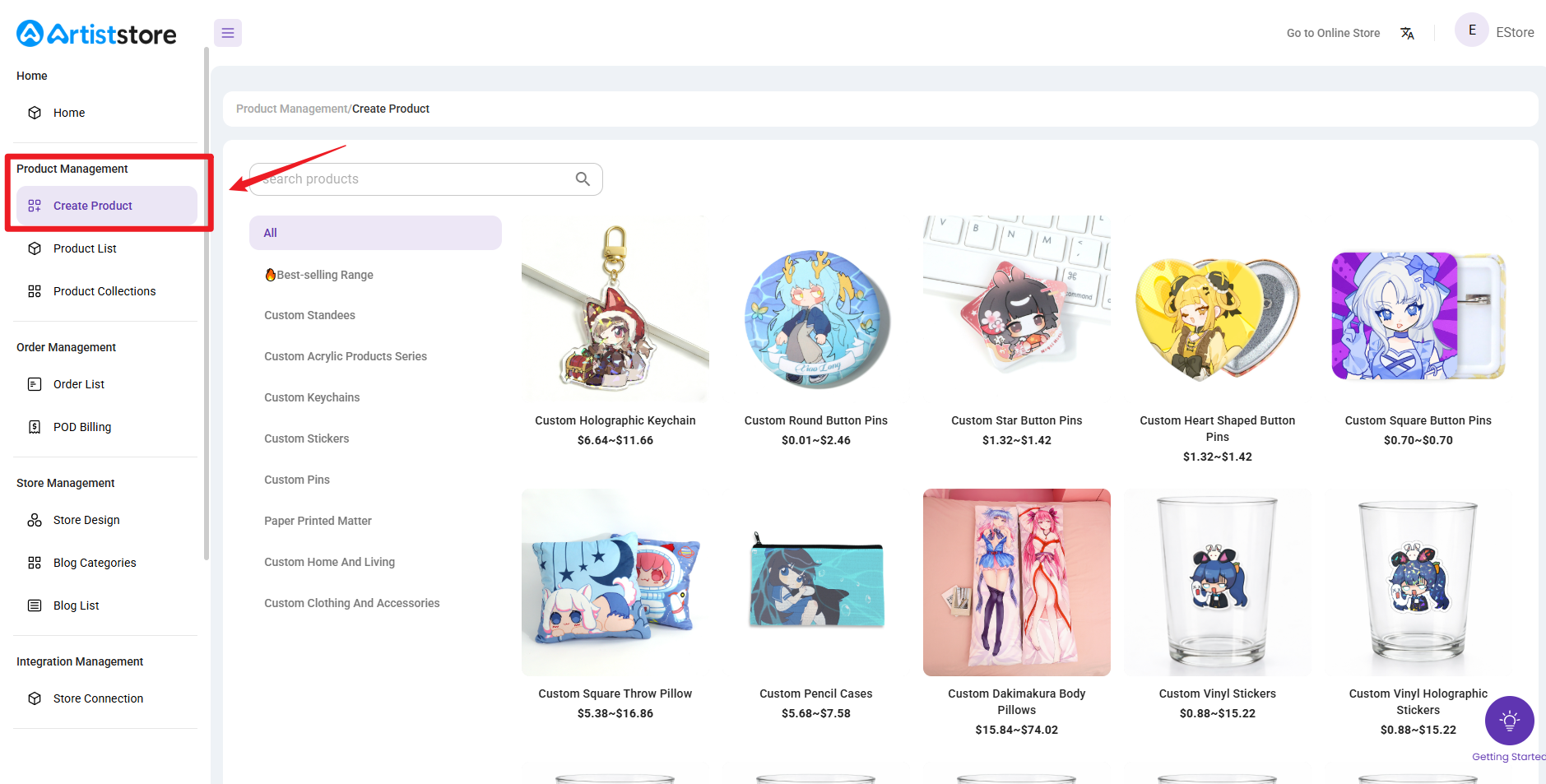
3. Select the product you want to sell and choose its specifications and sizes
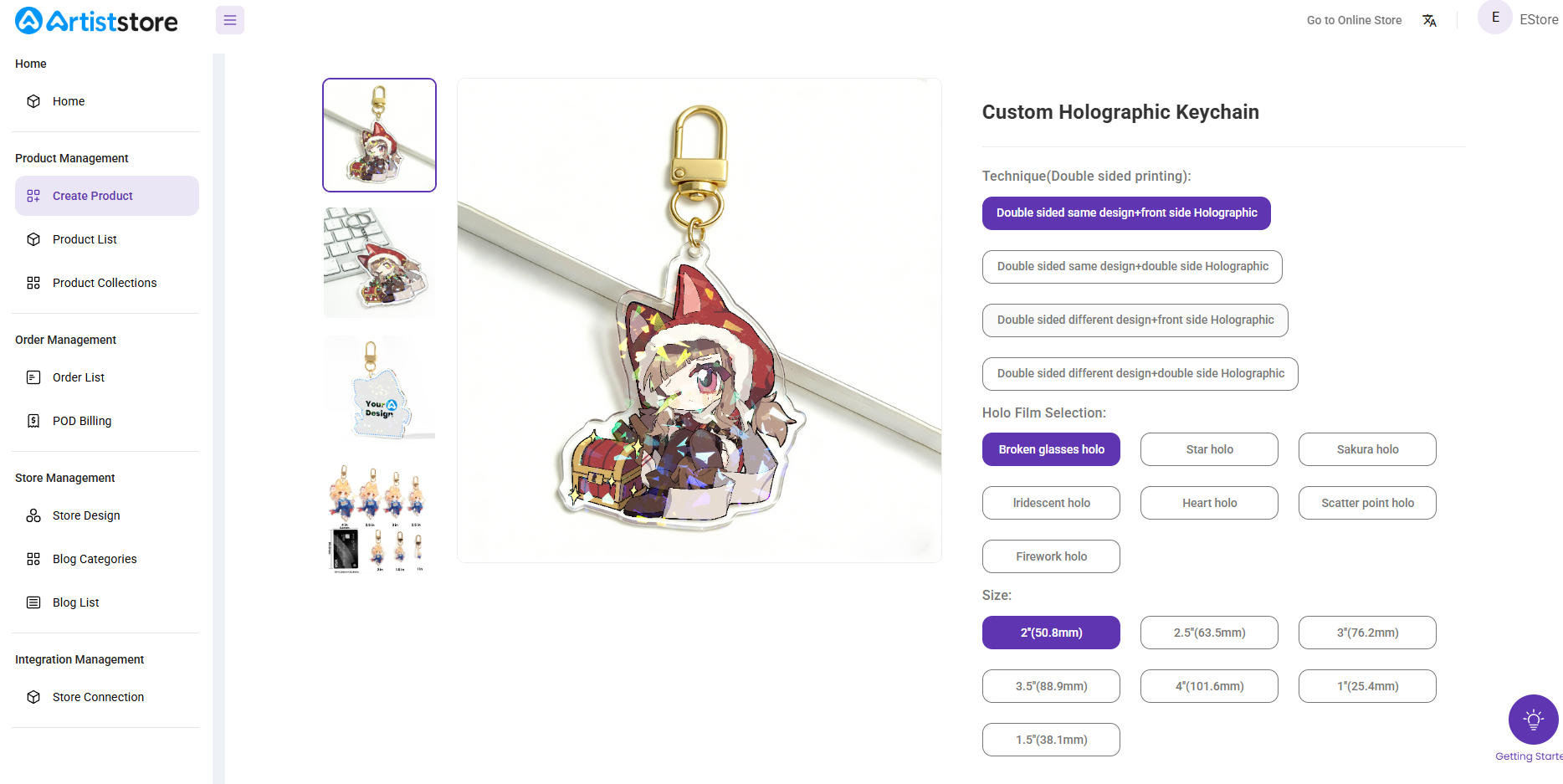
4. Click“Start Designing” to open the online design tool
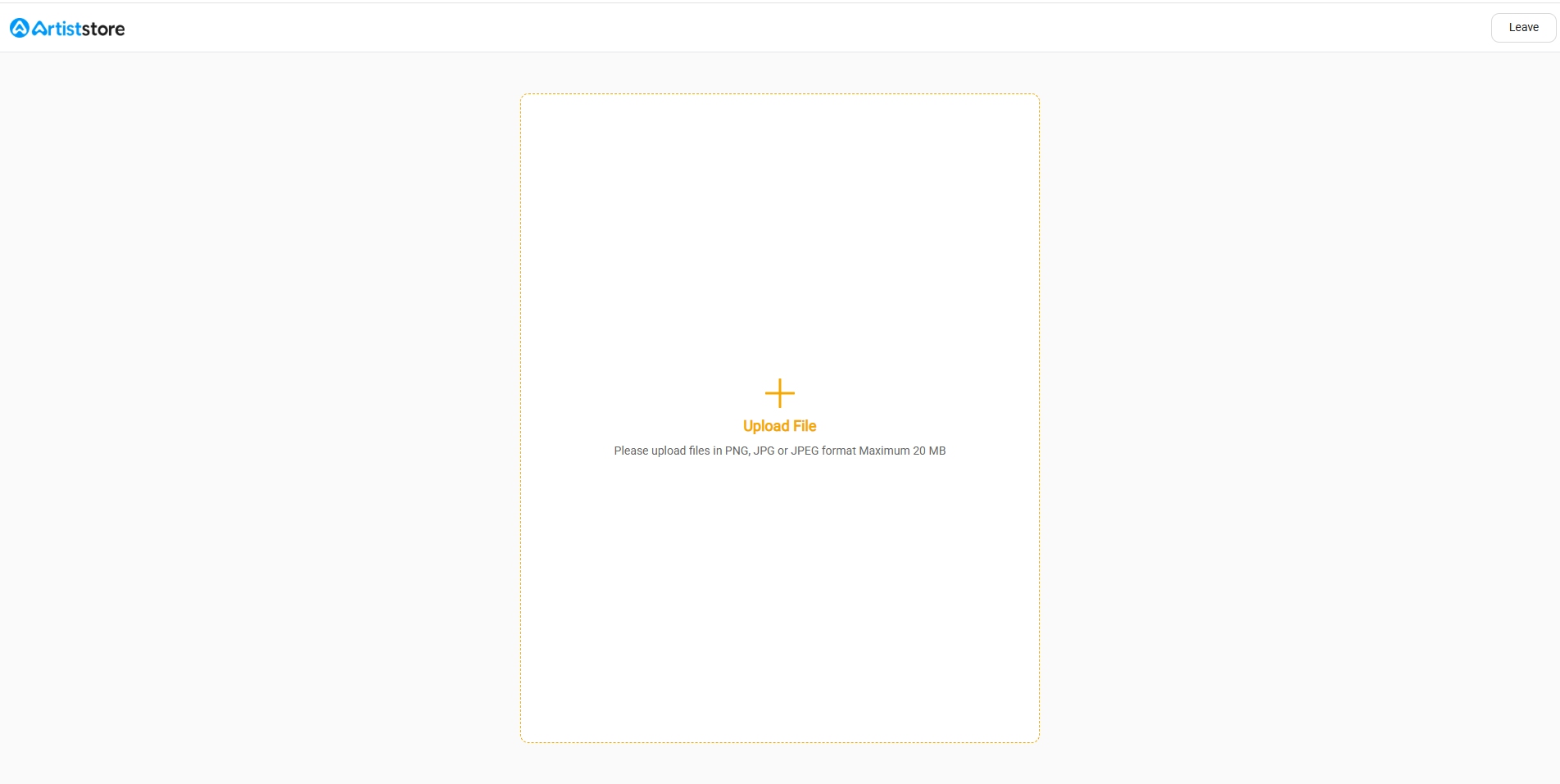
5. Upload your design file (JPG / PNG / JPEG, max 20 MB)
6. Adjust the design and hole
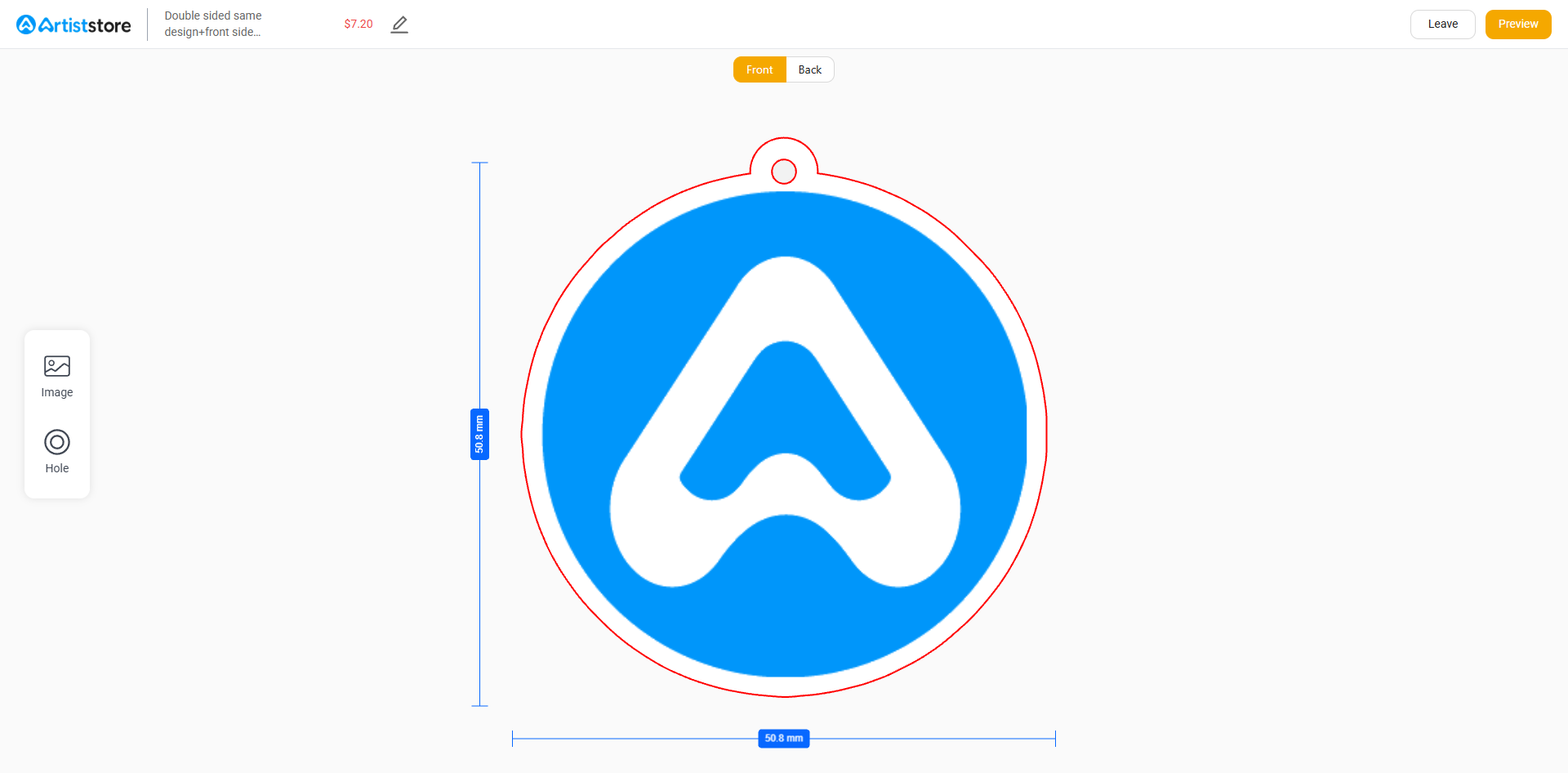
7. Preview the product mockup and click Save
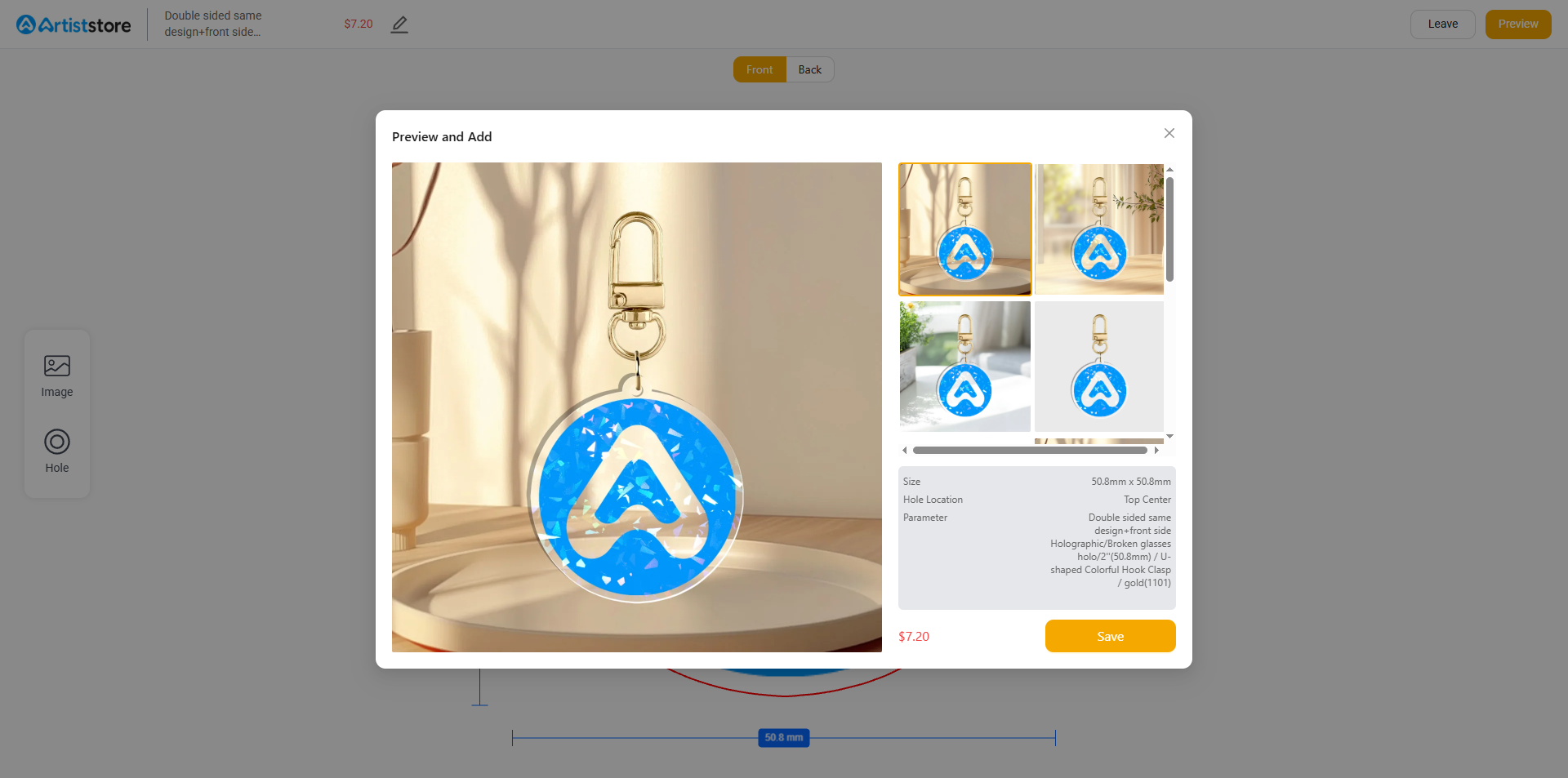
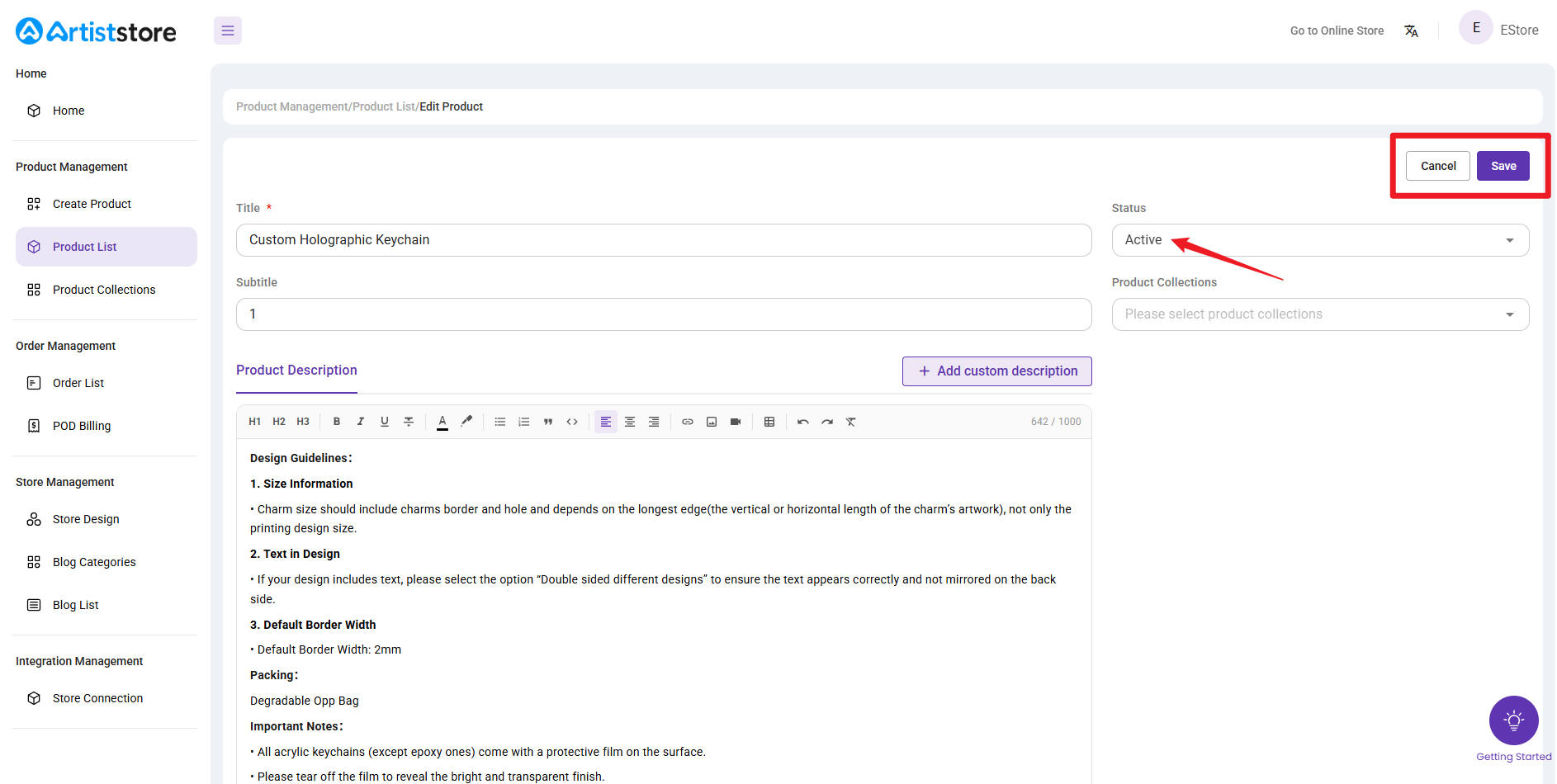
8. Fill in product details such as title, description, images and pricing
9. Select a product category for your product(Optional)
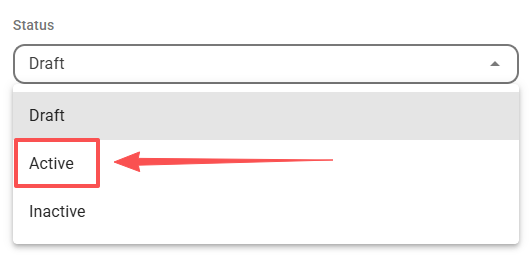
10. Change the product status to Active and then click Save
Once completed, your product will be visible in your Product List, and then you can add it to your store in Shop Design.